Article Overview
If your fiber optic terminal box (ONT) is not working, start by checking power, inspecting cables, and performing a reset before contacting your ISP.
Step 1: Check Power and Connections
Ensure the ONT is properly plugged in and receiving power. Look for a green or blue indicator light; if no light is visible, try a different power outlet or power cord. If the ONT is connected to a GFCI outlet, press the reset button on the outlet and test again. Confirm that all connected devices, such as routers or computers, are unplugged during this process to prevent data loss or damage .
Step 2: Inspect Fiber Cables
Examine the fiber optic cable for visible damage, bends, or kinks. Fiber cables are fragile, and even minor physical damage can cause signal loss. Ensure the connectors are clean and securely plugged into both the ONT and the wall socket. Use lint-free wipes and isopropyl alcohol to clean connectors if necessary .
Step 3: Check Indicator Lights
Most ONTs have status lights labeled for power, fiber, internet, phone, or TV. A “LOS” (Loss of Signal) light indicates the ONT is not receiving a valid optical signal. If lights indicate a problem, it may point to a cable issue, hardware failure, or network outage .
Step 4: Restart or Reset the ONT
Perform a power cycle by unplugging the ONT for 30 seconds and then plugging it back in. If the issue persists, use the reset button on the ONT (consult your user manual for its location). This can resolve intermittent connectivity, slow speeds, or configuration conflicts .
Step 5: Test Signal Strength and Hardware
If the ONT still does not work, advanced diagnostics may be needed. Use a power meter or OTDR to measure signal loss. Values outside the normal range (-15dBm to -30dBm) may indicate a problem with the fiber line. Swap suspect transceivers or routers with known-good units to isolate hardware failures .
Step 6: Contact Your ISP
If all steps fail, contact your internet service provider. They can check for outages, verify your ONT configuration, or replace faulty equipment. Avoid attempting internal repairs on the ONT, as it is typically installed and maintained by the ISP . By following these steps—checking power, inspecting cables, monitoring indicator lights, performing resets, and testing signal integrity—you can often restore your fiber optic connection or identify when professional assistance is required.
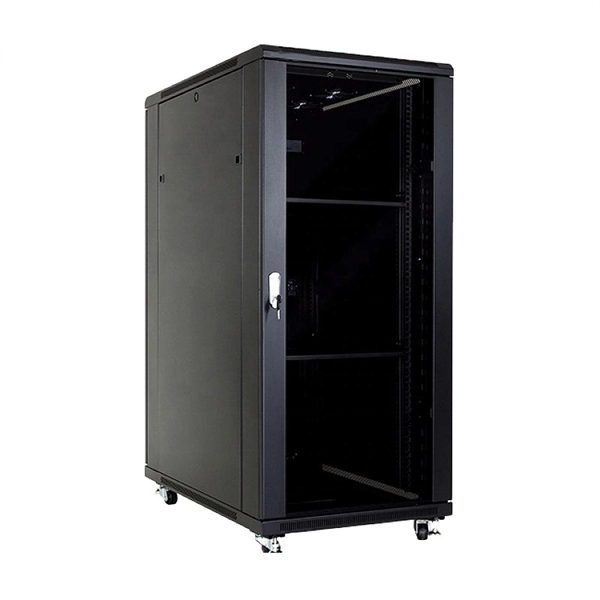
Fiber Network Troubleshooting – Common Issues & Fixes
Learn how to troubleshoot fiber networks. Identify common issues like high loss, dirty connectors, and signal drops,
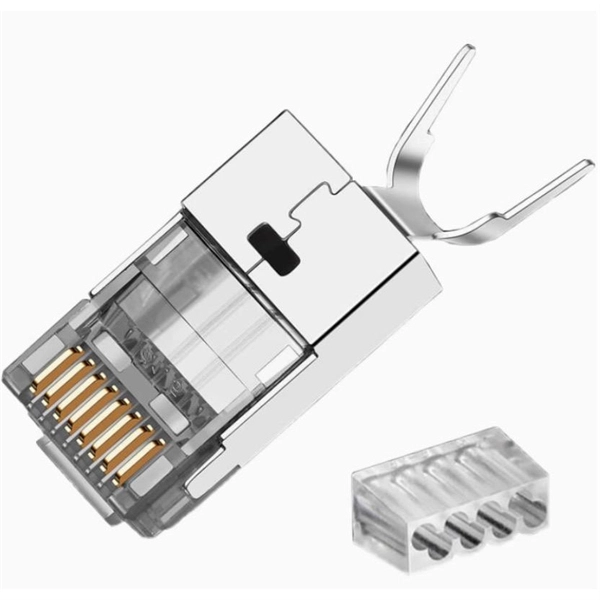
Fiber Optic Terminal Box Guide: Choosing the Right Enclosure for
Discover how to select the best fiber optic terminal box for data centers, campus fiber backbones, outdoor FTTH
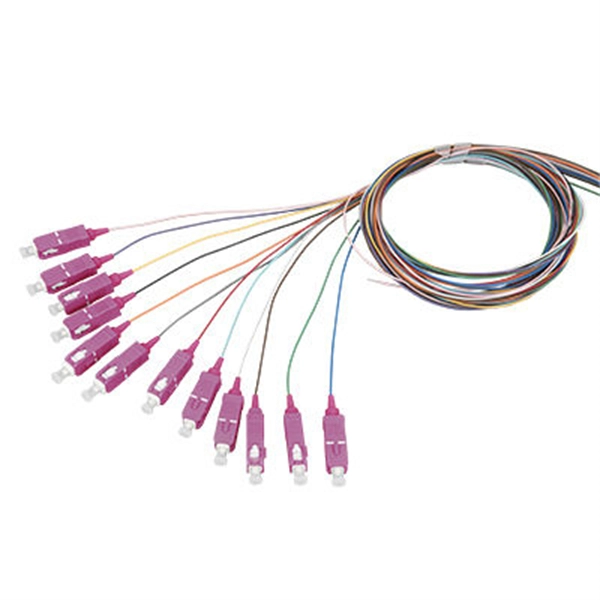
Troubleshooting fiber
So you''ve replaced your copper cables with fiber optics, but now you''re having problems.
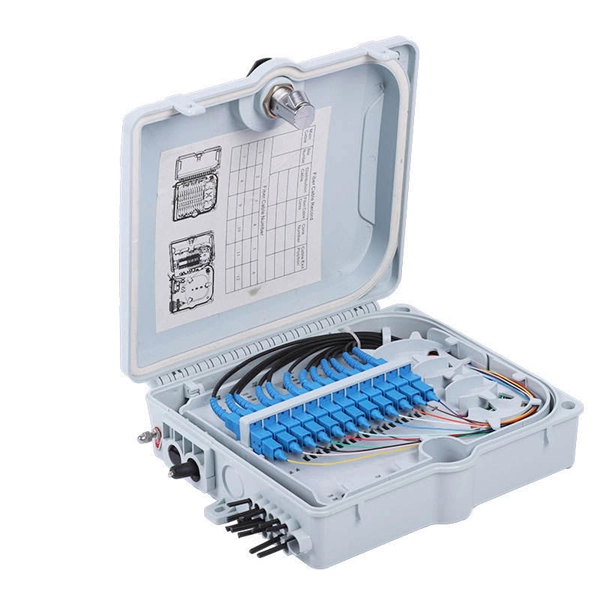
FTTH Terminal Box Selection Guide: Rack, Wall
Frequently Asked Questions What''s the difference between a fiber optic terminal box and
Fiber ONT Troubleshooting
Optical Network Terminal (ONT) troubleshooting guide: Tackling common glitches, step-by-step fixes, and preventive
Resetting Your ONT Box: A Comprehensive Guide to Troubleshooting
Are you experiencing issues with your internet connection, and you suspect that your Optical Network Terminal (ONT)
Fiber Optic Troubleshooting: Expert Guide for Common Issues
Troubleshoot fiber optic issues like a pro with our expert guide. Resolve common problems and ensure seamless
Frequent problems of optical fiber terminal boxes
While optical fiber terminal boxes are designed to ensure the proper functioning of fiber optic networks, they can
Fibre Connection Box lights guide
The Fibre Connection Box on your wall (the engineers will call this the Optical Network Terminator or ONT ) is where
Terminal Box Installation Mistakes and Failure Risks
Engineering analysis of common installation mistakes in fiber terminal boxes and closures, explaining structural
Troubleshooting Faulty Optical Network Terminals (ONTs)
Learn how to troubleshoot and fix common issues with your optical network terminal (ONT), a device that connects your fiber optic
The Ultimate Fiber Troubleshooting Bible for Beginners 2025
When your fiber optic network stops working, begin with a structured approach. First, check the basics—look for
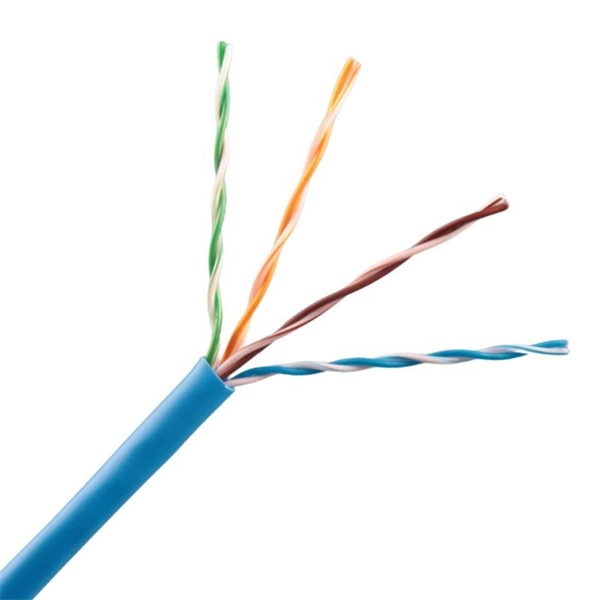
A Guide to Fiber Optic Testers, Tools, and Troubleshooting | Fluke
Learn about the common contaminants of fiber optics in today''s mission critical networks and get a detailed look at fiber testing and
Fiber Optic Troubleshooting Guide: Problems, Tools & Solutions
Learn how to troubleshoot fiber optic cables with common problems, a step-by-step process, essential tools, and
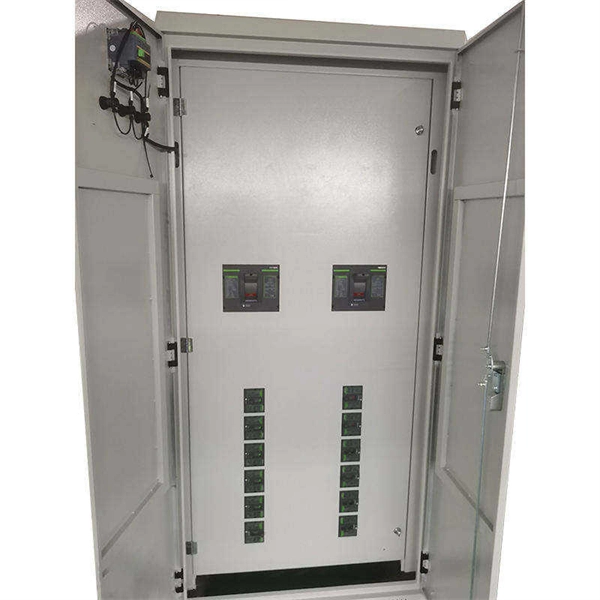
Comprehensive Guide to FTB: Installation and Maintenance
Proper installation and maintenance of fiber optic termination boxes is critical to ensuring the reliability, performance
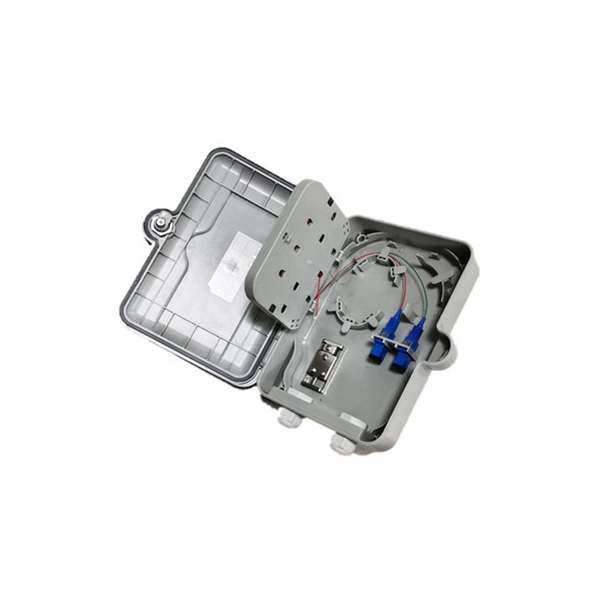
Checks for you fibre NTE box | Openreach
Broadband not working? Try these checks for Openreach fibre network termination points to get going again (if they don''t work,
Your FTTP user guide
If you''ve followed the instructions from your provider but your phone, internet or other broadband connections are still not working, or
How to install fiber terminal box?
The installation of the fiber optic indoor terminal box (FTTH terminal box) requires certain professional skills. If you do not have
Fiber Termination Box Installation & Maintenance Guide
Learn everything about fiber termination boxes—types, installation steps, and maintenance tips to ensure reliable

The Ultimate Guide To Choosing The Right Fiber
Single-mode optical fiber is used extensively for fiber optic communication today as it has
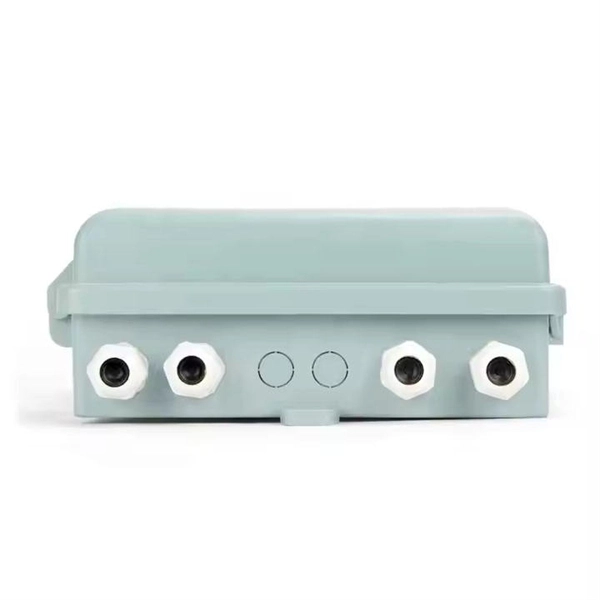
Comprehensive Guide to FTB: Installation and Maintenance
Fiber Termination Boxes (FTBs) are crucial components in fiber optic networks, facilitating the termination,
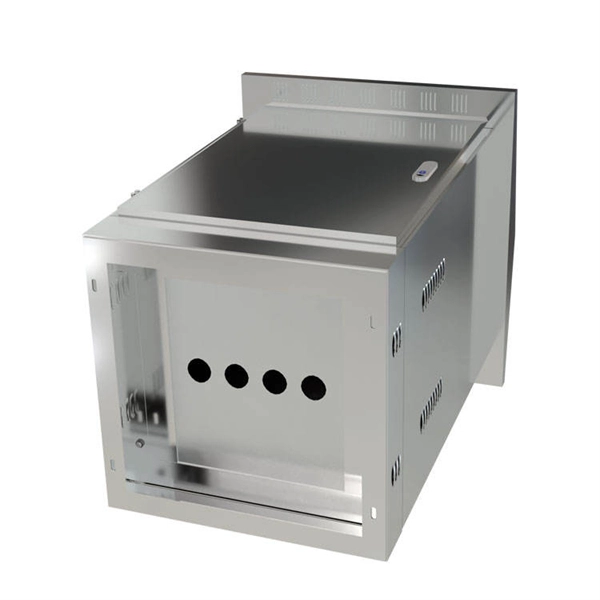
Understanding Fiber Optic Junction Boxes: A
One key component of fiber optic networks is the fiber optic junction box. In this
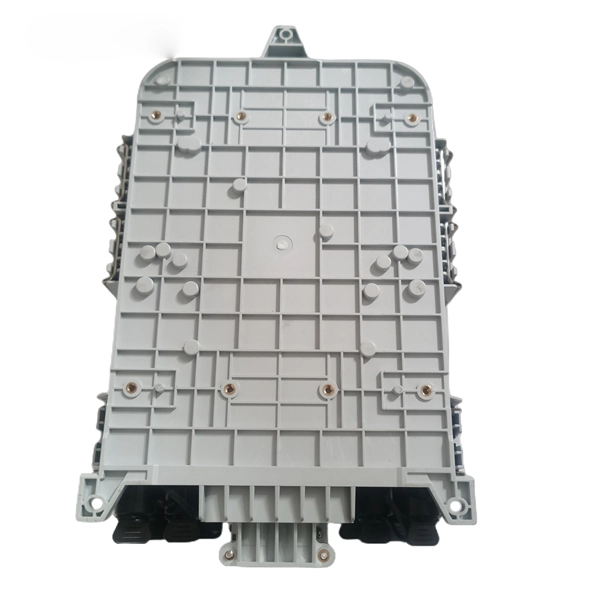
Learn About Optical Network Terminal Status Lights
Learn about optical network terminal status lights You can use the status lights on your optical network terminal
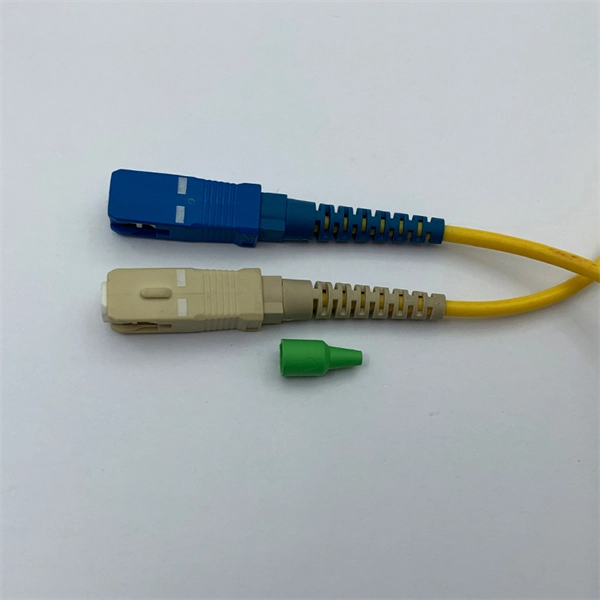
All You Need To Know About Fiber Termination Boxes: Installation
One must be adequately grounded and ensure that the fiber optic connector ends do not touch surfaces, including
FS Community
Hier sollte eine Beschreibung angezeigt werden, diese Seite lässt dies jedoch nicht zu.
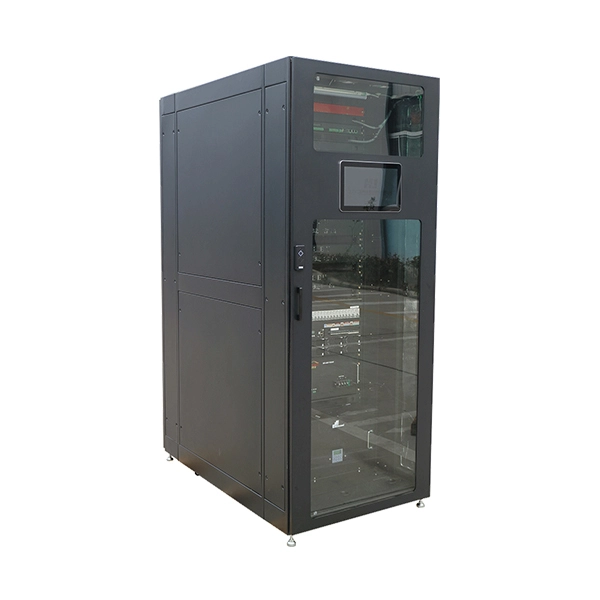
Resetting Your ONT Box: A Comprehensive Guide to Troubleshooting
An ONT (Optical Network Terminal) box is a device that converts fiber-optic signals into digital signals that your
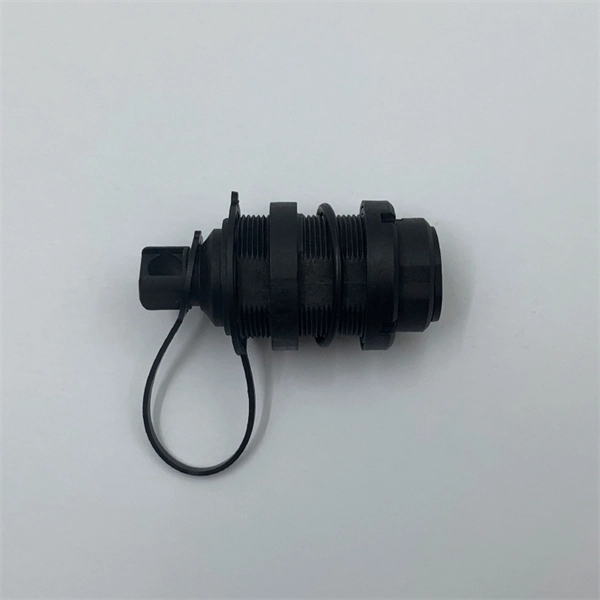
Fiber Termination Boxes: A Beginner''s Guide to
In the dynamic landscape of modern communication, Fiber Termination Boxes (FTBs) play
Related Resources
- Fiber optic and Ethernet port combo panel
- Procurement of Large-Span Cable Trays in Estonia
- Drop cable fiber optic with pigtail
- Intelligent PDU Control Board
- Price of grounding facilities for distribution boxes
- Galvanized cable tray fixing accessories
- Ethernet Fiber Optic Switch Production
- Chilean Telecom s fiber optic cable service strongly supports Huawei
- Cable tray fire
- Burial Depth of Railway Communication Towers
- What is the price of a busbar PT cabinet
- Distance between overhead optical cable and road surface
- Sc Fiber Optic Connector Fitting
- Fiber Optic Strain Sensor Company
- 4Mbps Fiber Optic Switch 800Mbps Electrical Switch